Design
Here is a "safe" APRS interface for BaoFeng and other radios.
Sample schematic:
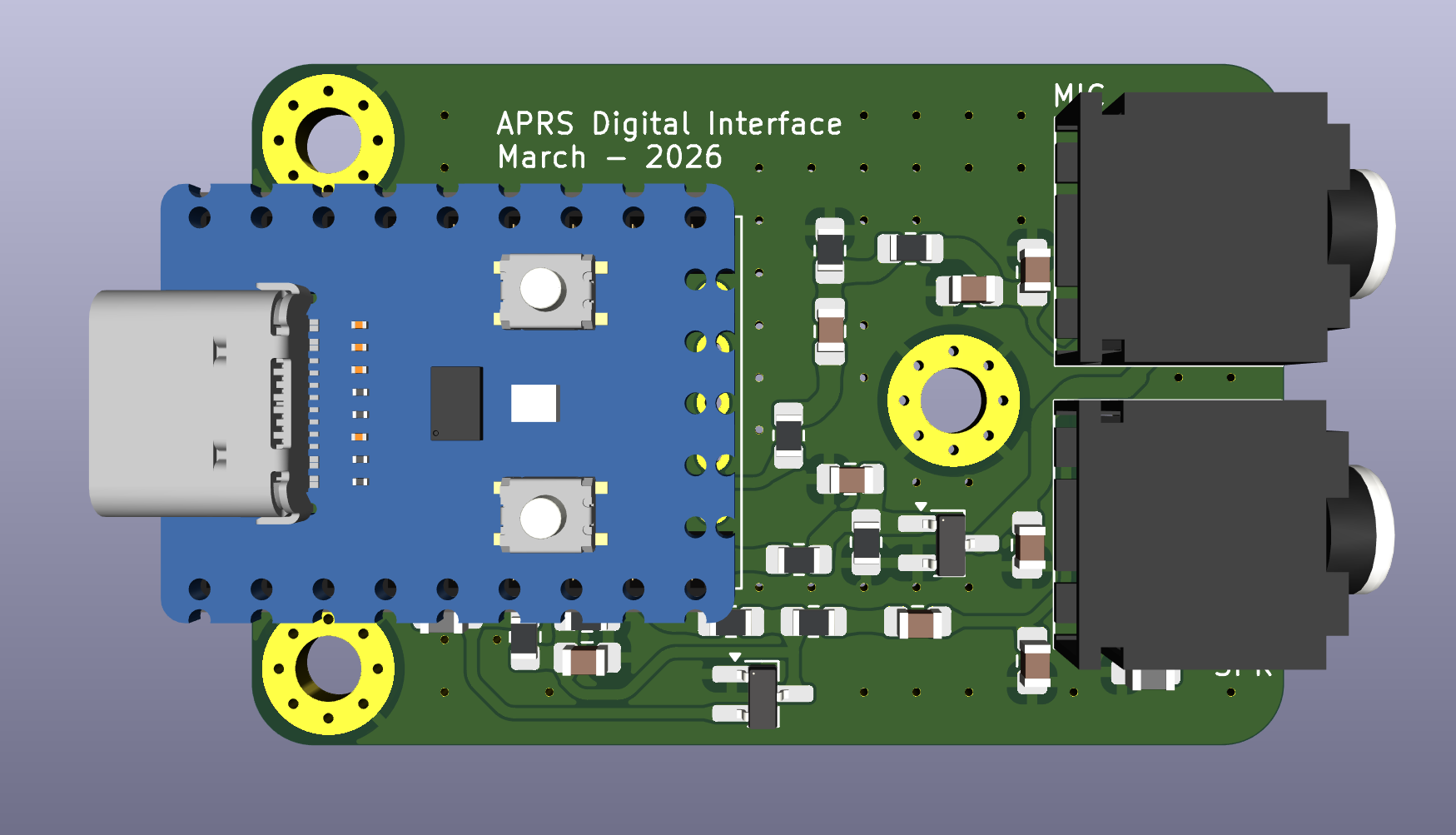
Render
Motivation
https://github.com/skuep/AIOC works, but it appears to have a couple of problems:
RF feedback problem with monopole antennas
Hard-to-source exact 3.5mm and 2.5mm audio connectors
Mechanical fragility of these "half-cut" (chopped off) and then only SMD-style soldered TRS connectors
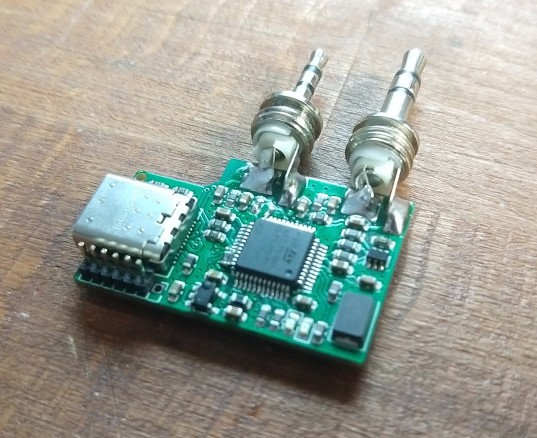
Reliance on the PCBA process to get a working product. In contrast, we want our users to be able to homebrew the digital interface (if desired).
I believe we can reduce the cost significantly and also make the entire design homebrew-friendly, without placing a JLCPCB PCBA order.
Also, we use ready-made and widely available off-the-shelf audio cables in our design.
BOM
Waveshare RP2040-Zero Clone - 200
Ambrane 3.5mm to 3.5mm male aux stereo cable TRS - 130
2.5mm to 3.5mm aux stereo cable - 250 (element14)
PCB - 150
Components - 70
Case - 100
Total: 900 INR or less
Pros
No cables to make. No cables to cut up!
THT audio connectors which can handle rough handling.
Our competition is Digirig (70 USD). Our product is about one-sixth the cost of Digirig and is "software configurable" with many "gears".
Digirig is AWESOME but can be hard to import and afford (especially for new student operators). Buying an interface which costs 3X the price of the radio transceiver itself might NOT make enough sense for many others ;)
Useful commands
$ rm -f x.wav; echo -n "VU3CER>WORLD:Hello, world" | gen_packets -a 30 -o x.wav -
Amplitude set to 30%.
Output file set to x.wav
Reading from stdin ...

$ file x.wav
x.wav: RIFF (little-endian) data, WAVE audio, Microsoft PCM, 16 bit, mono 44100 Hz
$ atest x.wav
44100 samples per second.  16 bits per sample.  1 audio channels.
41810 audio bytes in file.  Duration = 0.5 seconds.
Fix Bits level = 0
Channel 0: 1200 baud, AFSK 1200 & 2200 Hz, A, 44100 sample rate, Tx AX.25.

DECODED[1] 0:00.466 VU3CER audio level = 30(8/8)
[0] VU3CER>WORLD:Hello, world!
ATTENTION: APRS is extremely sensitive to audio sample rate mismatches. Use
aplay x.wav to play the audio files (for loopback testing among other
purposes). Playing with VLC will mess up things enough to cause complete
decoding failures. Also, aplay x.wav when working over-the-air does NOT
decode in a reliable fashion! When the same aplay x.wav output goes over a
cable + USB sound card everything works great!
Updates (19-May-2026):
Testing PTT on a custom CM108B based digital interface:
$ cm108
    VID  PID   Product                          Sound                  ADEVICE        ADEVICE            HID [ptt]
    ---  ---   -------                          -----                  -------        -------            ---------
**  0d8c 0012  USB Audio Device                 /dev/snd/controlC3                                       /dev/hidraw6
**  0d8c 0012  USB Audio Device                 /dev/snd/pcmC3D0c      plughw:3,0     plughw:Device,0    /dev/hidraw6
**  0d8c 0012  USB Audio Device                 /dev/snd/pcmC3D0p      plughw:3,0     plughw:Device,0    /dev/hidraw6

$ sudo chmod 777 /dev/hidraw6  # temporary hack

$ cm108 /dev/hidraw6 3
01010101010101010101
This above command toggles the PTT in a loop - nice!
systemctl --user stop pipewire.socket pipewire.service wireplumber.service
$ cat direwolf.conf
ADEVICE plughw:3,0

CHANNEL 0
MYCALL VU3CER

MODEM 1200

PTT CM108

PBEACON delay=0:05 every=1:00 overlay=S symbol="digi" lat=18^27.12N long=073^53.47E power=5 height=10 gain=2 comment="Baofeng APRS Beacon" via=WIDE1-1,WIDE2-1
$ aplay -l
...
card 3: Device [USB Audio Device], device 0: USB Audio [USB Audio]
...
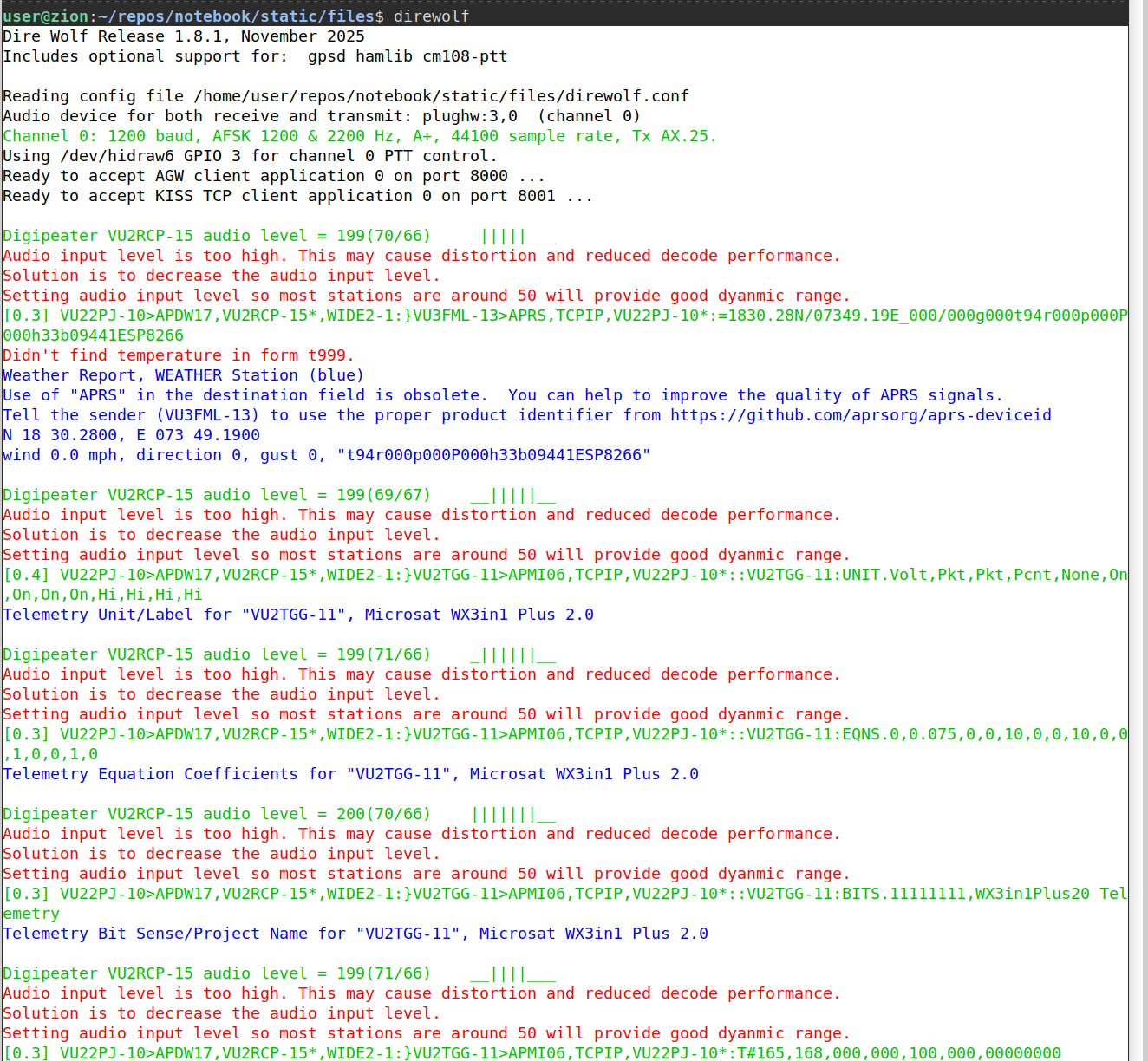
$ direwolf
Dire Wolf Release 1.8.1, November 2025
Includes optional support for:  gpsd hamlib cm108-ptt

Reading config file direwolf.conf
Audio device for both receive and transmit: plughw:3,0  (channel 0)
Channel 0: 1200 baud, AFSK 1200 & 2200 Hz, A+, 44100 sample rate, Tx AX.25.
Using /dev/hidraw6 GPIO 3 for channel 0 PTT control.
Ready to accept AGW client application 0 on port 8000 ...
Ready to accept KISS TCP client application 0 on port 8001 ...

VU3FOE-7 audio level = 199(75/71)    ||||_____
Audio input level is too high. This may cause distortion and reduced decode performance.
Solution is to decrease the audio input level.
Setting audio input level so most stations are around 50 will provide good dynamic range.
[0.1] VU3FOE-7>APDR16,WIDE1-1:=1826.8 N/07354.9 El/A=001907 Dhiru Kholia
Position, Laptop, Open Source APRSdroid
N 18 26.8000, E 073 54.9000, alt 581 m (1907 ft)
 Dhiru Kholia
It works ;)
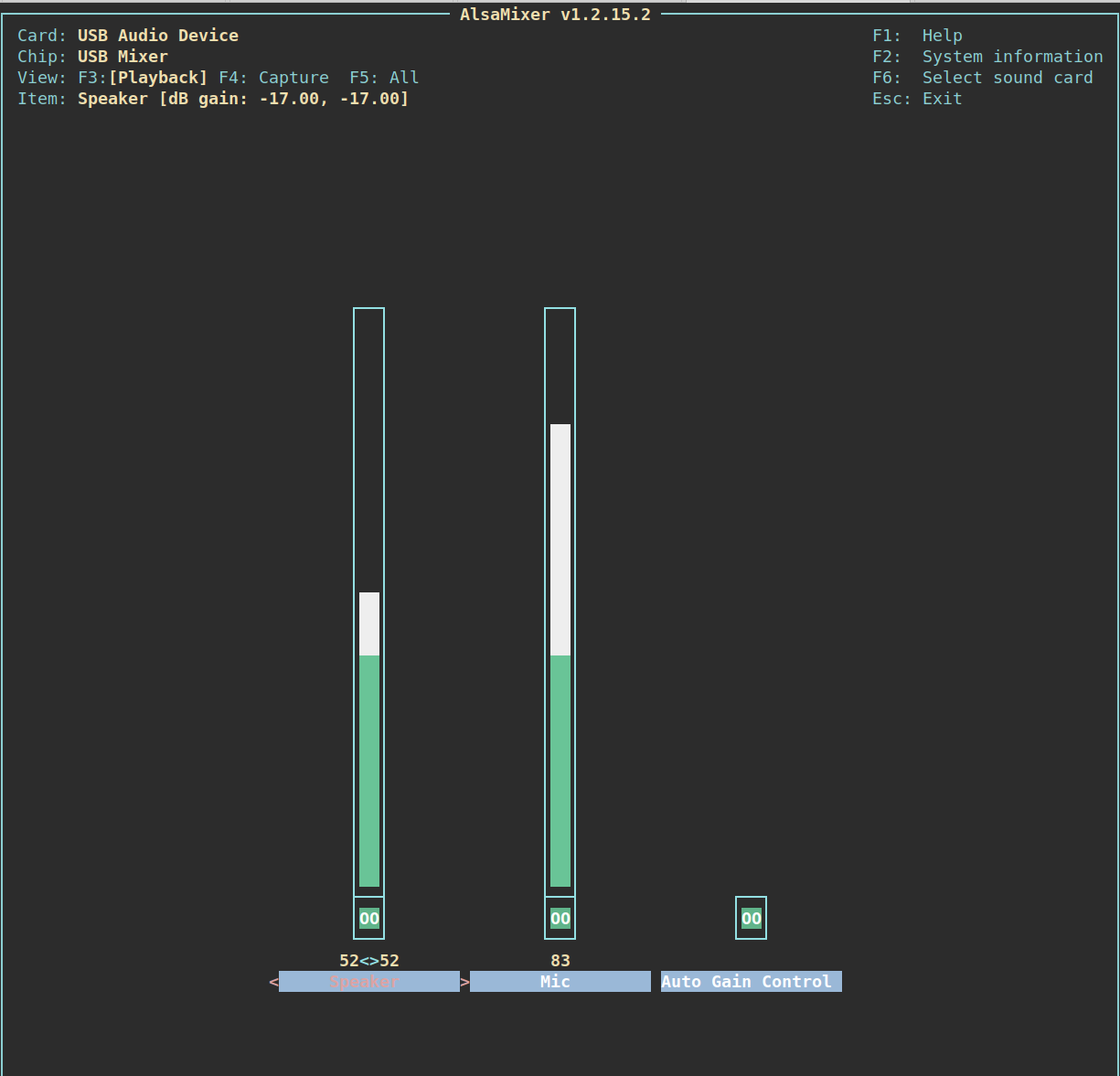
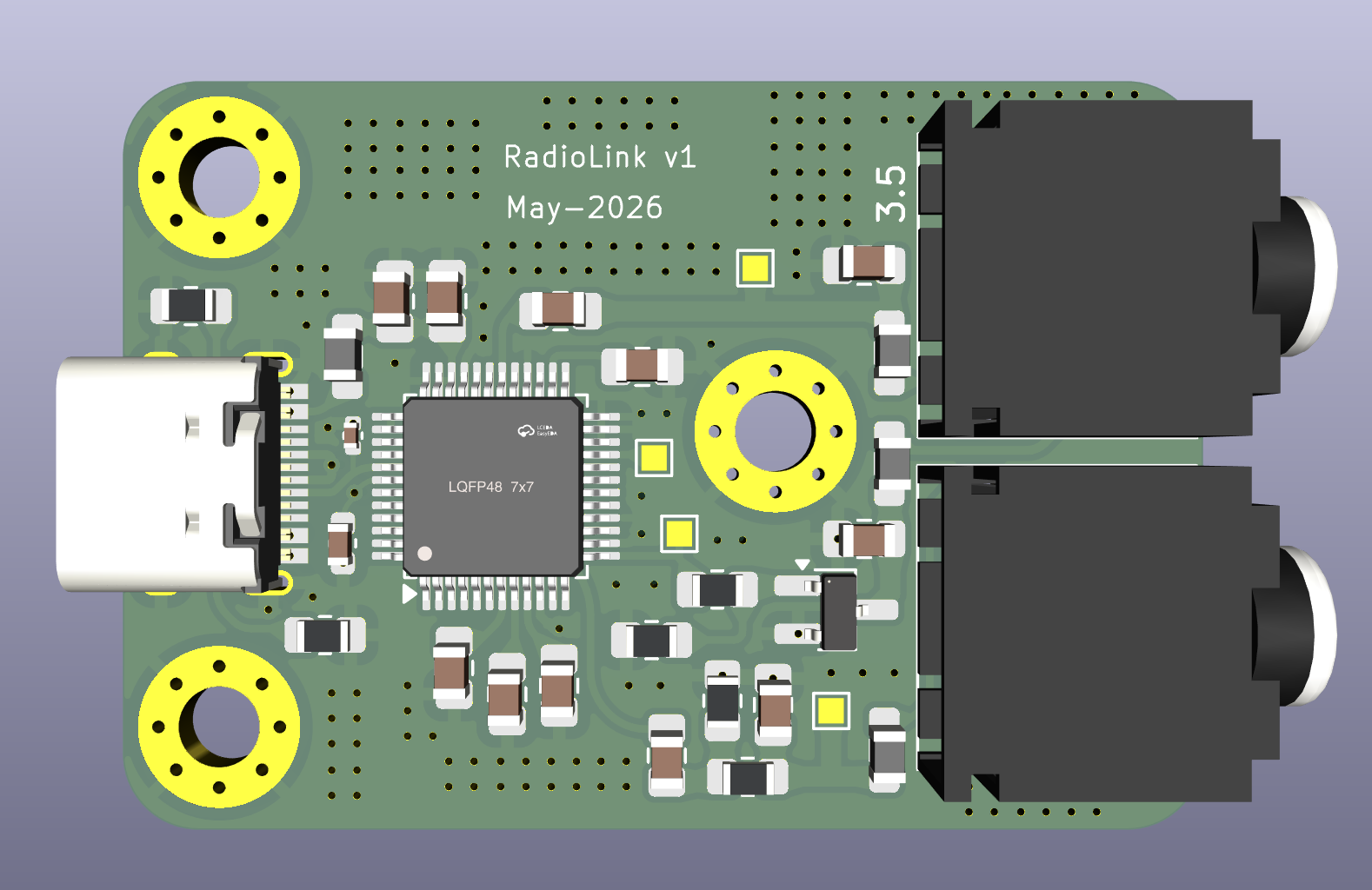
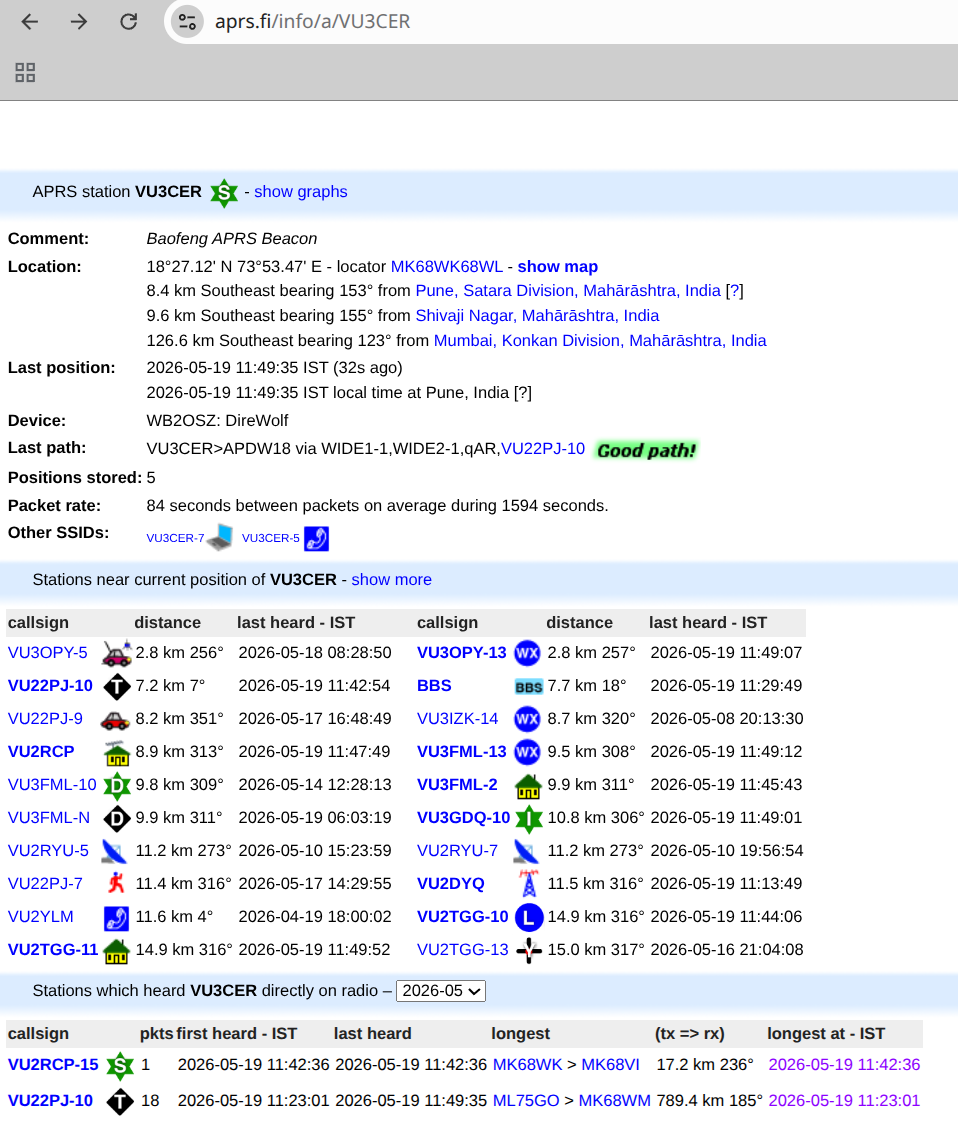
Update: We finally decided to do a CM108B based digital interface.
Updating udev permissions
$ cat /etc/udev/rules.d/99-direwolf-cmedia.rules
# Normally, all of /dev/hidraw* are accessible only by root.
#
#	$ ls -l /dev/hidraw*
#	crw------- 1 root root 247, 0 Sep 24 09:40 /dev/hidraw0
#
# An ordinary user, trying to access it will be denied.
#
# Unnecessarily running applications as root is generally a bad idea because it makes it too easy
# to accidentally trash your system.  We need to relax the restrictions so ordinary users can use these devices.
#
# If all went well with installation, the  /etc/udev/rules.d directory should contain a file called
# 99-direwolf-cmedia.rules  containing:
#

SUBSYSTEM=="hidraw", ATTRS{idVendor}=="0d8c", GROUP="audio", MODE="0660"

#
# I used the "audio" group, mimicking the permissions on the sound side of the device.
#
#	$ ls -l /dev/snd/pcm*
#	crw-rw----+ 1 root audio 116, 16 Sep 24 09:40 /dev/snd/pcmC0D0p
#	crw-rw----+ 1 root audio 116, 17 Sep 24 09:40 /dev/snd/pcmC0D1p
#
# You should see something similar to this where someone in the "audio" group has read-write access.
#
#	$ ls -l /dev/hidraw*
#	crw-rw---- 1 root audio 247, 0 Oct  6 19:24 /dev/hidraw0
#
# Read the User Guide and run the "cm108" application for more information.
#

#
# Same thing for the "All In One Cable."
#

SUBSYSTEM=="hidraw", ATTRS{idVendor}=="1209", ATTRS{idProduct}=="7388", GROUP="audio", MODE="0660"
sudo udevadm control --reload-rules
sudo udevadm trigger
sudo usermod -a -G audio $USER
sudo usermod -a -G dialout $USER
sudo usermod -a -G gpio $USER
Re-login for the added perms to take effect.
Updated BOM
Assembled PCB from JLCPCB - 750
Import duties - Variable
Ambrane 3.5mm to 3.5mm male aux stereo cable TRS - 130
2.5mm to 3.5mm aux stereo cable - 250 (element14)
USB-C Male-Male cable - 99 (DMart)
Audio connectors - 50
Case / heat shrink - 50 to 100
Total: Around 1300 INR or less
We can further bring down the costs by using the HS-100B chip and by preparing
the audio cables ourselves. We have found an undocumented 'hack' that allows
usage of the HS-100B chip - hackers gonna hack…