Initial setup
Initially, I had set up a TP-Link ER605 (TL-R605) V2 router to handle the dual WANs - on paper, it checked all the boxes: load balancing, failover, and a relatively affordable price point. But in practice, it turned out to be a frustrating experience.
The biggest issue was how excruciatingly slow the device was to boot and handle failover. In a setup where uptime actually matters, waiting around for the router to recover or switch links defeats the whole purpose of having redundancy in the first place. Failover should feel seamless - this felt anything but.
What made things worse was the user experience. TP-Link usually does a decent job with their consumer gear, but this one felt like an afterthought. To be fair, the hardware isn't terrible for very basic use cases. But if you're expecting fast failover, responsiveness, or a polished management experience, this router falls short. It feels like a product that looks good on a spec sheet but struggles in real-world scenarios. In the end, I realized that for something as critical as WAN failover, it's worth investing in gear that prioritizes reliability and usability - not just features.
Current Setup
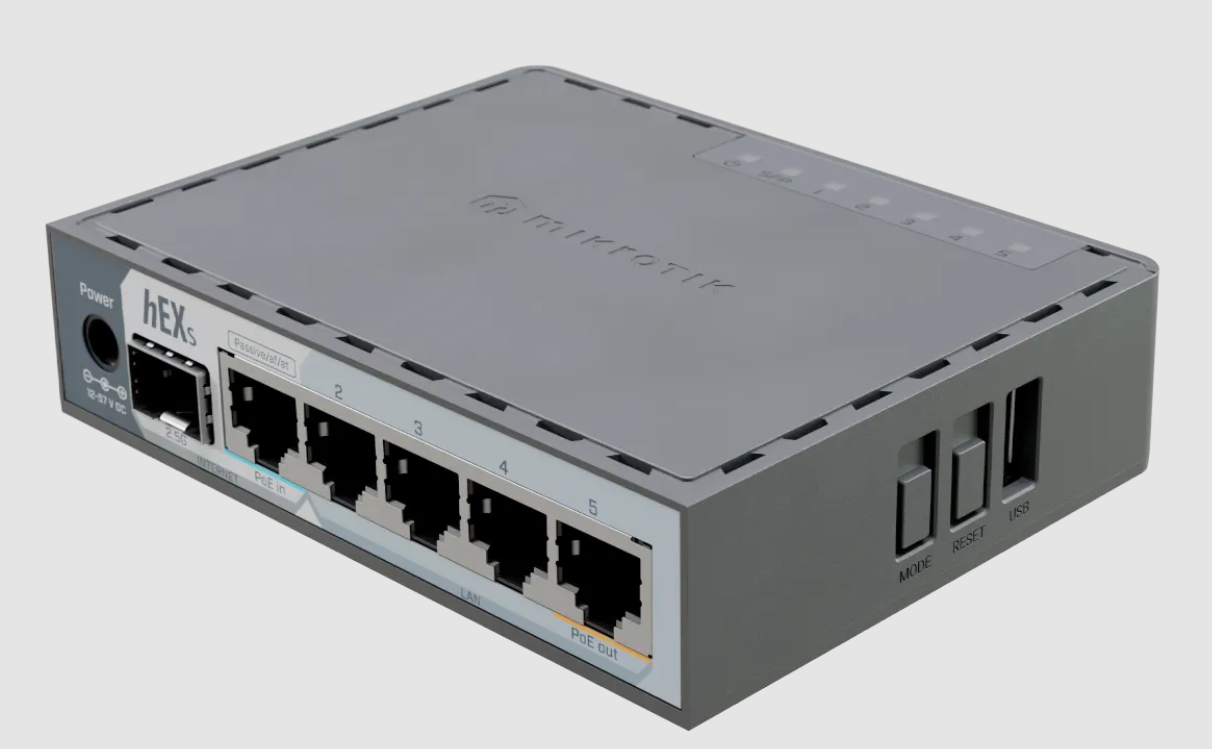
I recently got a MikroTik hEX S (2025) which runs RouterOS. I am sharing
the router commands which I used to set up the Dual WAN Failover feature
(based on a layer-x.com article).
# Configure interfaces
/interface ethernet
set [find default-name=ether1] name=wan1-primary
set [find default-name=ether2] name=wan2-secondary

# Output
set [find default-name=ether4] name=lan1

/ip address
add address=192.168.1.2/24 interface=wan1-primary comment="Primary WAN Static"
add address=192.168.2.2/24 interface=wan2-secondary comment="Secondary WAN Static"

# Configure LAN interface
/ip address
add address=192.168.100.1/24 interface=lan1 comment="LAN Gateway"

# Enable DHCP server for LAN
/ip pool
add name=lan-pool ranges=192.168.100.100-192.168.100.200

/ip dhcp-server
add address-pool=lan-pool interface=lan1 name=lan-dhcp

/ip dhcp-server network
add address=192.168.100.0/24 gateway=192.168.100.1 dns-server=8.8.8.8,8.8.4.4

# Configure NAT
/ip firewall nat
add chain=srcnat out-interface=wan1-primary action=masquerade
add chain=srcnat out-interface=wan2-secondary action=masquerade

# Configure routes with failover
/ip route
add dst-address=0.0.0.0/0 gateway=192.168.1.1 \
    distance=1 check-gateway=ping comment="Primary Route"
add dst-address=0.0.0.0/0 gateway=192.168.2.1 \
    distance=2 comment="Secondary Route"
The primary ISP router is @ 192.168.1.1 and my TP-Link TL-MR100 4G router is @ 192.168.2.1. Adjust these values as needed. Deactivate the wan1-primary and wan2-secondary interfaces from the default bridge configuration manually and then disable the default DHCP server which runs on the default bridge.
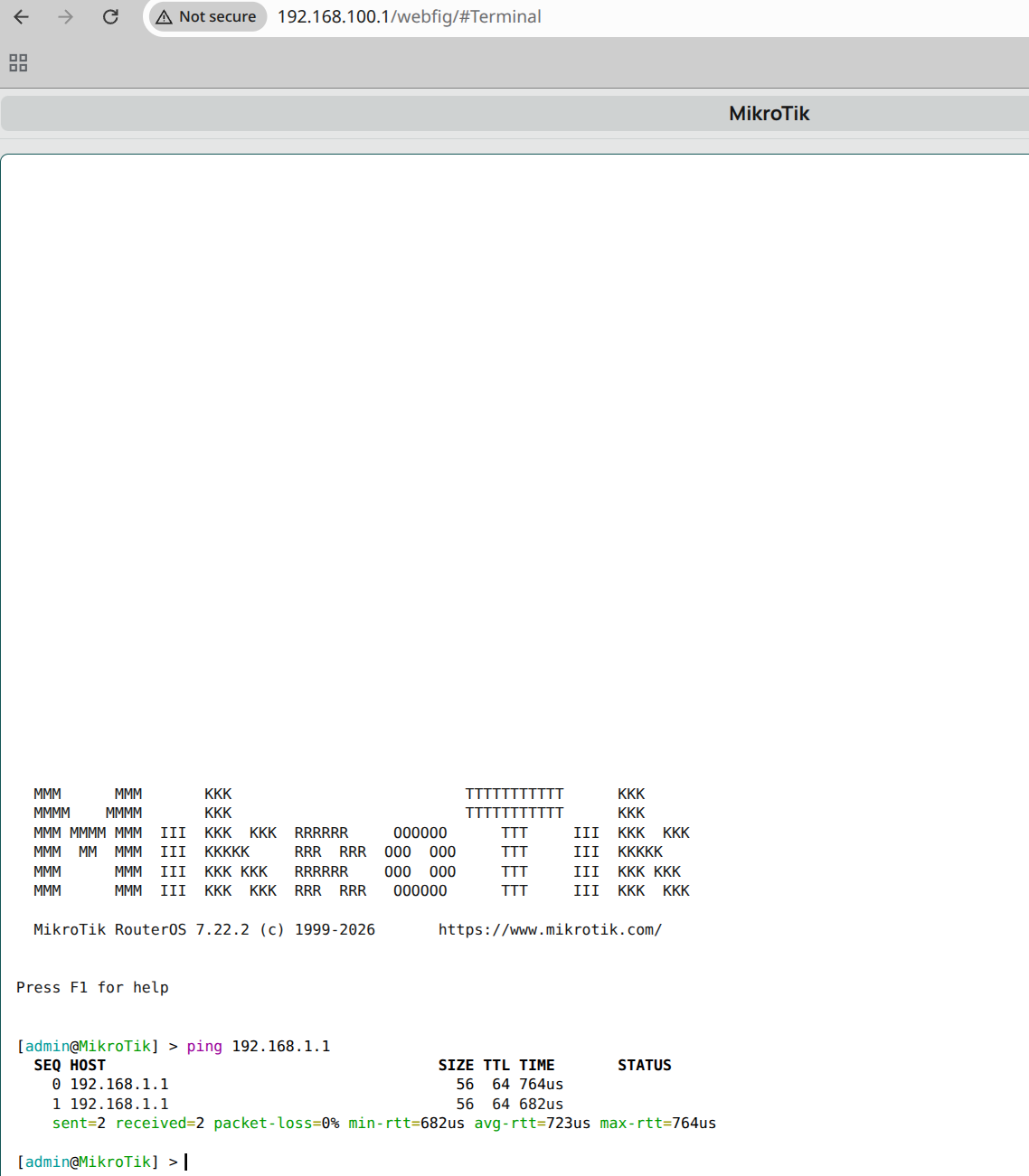
Enable the www WebUI on 192.168.100.1:
Attach the LAN label to lan1 interface using the <http://192.168.88.1/webfig/#Interfaces.Interface_List URL> (Interfaces -> Interface List).
/ip firewall filter add chain=input src-address=192.168.100.0/24 protocol=tcp dst-port=80 action=accept comment="WebFig LAN only"
Plug the Main Deco Mesh Network unit into the Ethernet 4 port.
From a client / user machine:
user@zion:~$ ping 192.168.1.1
PING 192.168.1.1 (192.168.1.1) 56(84) bytes of data.
64 bytes from 192.168.1.1: icmp_seq=1 ttl=63 time=5.08 ms


user@zion:~$ ping 192.168.2.1
PING 192.168.2.1 (192.168.2.1) 56(84) bytes of data.
64 bytes from 192.168.2.1: icmp_seq=1 ttl=63 time=7.10 ms


user@zion:~$ ping 192.168.100.1
PING 192.168.100.1 (192.168.100.1) 56(84) bytes of data.
64 bytes from 192.168.100.1: icmp_seq=1 ttl=64 time=4.87 ms
All good!
Monitoring and Notifications
/tool e-mail set server=smtp.gmail.com from="Home Router" password="sure" port=587 tls=starttls user=username@gmail.com

/tool e-mail send to=username@gmail.com subject="email test" body="email test"
Set up Netwatch: Go to Tools -> Netwatch to monitor the primary WAN IP (e.g., 8.8.8.8).
Add Scripts: In Netwatch, add commands in the Down and Up fields to send notifications.
Down Script:
/tool e-mail send to="username@gmail.com" subject="Primary WAN Down" body="Primary WAN is down!"
Up Script:
/tool e-mail send to="username@gmail.com" subject="Primary WAN Up" body="Primary WAN is restored!"
Failover in action
$ ping 8.8.8.8
64 bytes from 8.8.8.8: icmp_seq=1 ttl=119 time=14.6 ms
64 bytes from 8.8.8.8: icmp_seq=2 ttl=119 time=13.9 ms
64 bytes from 8.8.8.8: icmp_seq=3 ttl=119 time=21.8 ms
64 bytes from 8.8.8.8: icmp_seq=4 ttl=119 time=18.6 ms
64 bytes from 8.8.8.8: icmp_seq=5 ttl=119 time=17.2 ms

// Turn off the Fiber Modem

64 bytes from 8.8.8.8: icmp_seq=18 ttl=114 time=67.3 ms
64 bytes from 8.8.8.8: icmp_seq=19 ttl=114 time=38.7 ms
64 bytes from 8.8.8.8: icmp_seq=20 ttl=114 time=54.6 ms
64 bytes from 8.8.8.8: icmp_seq=27 ttl=114 time=54.4 ms
64 bytes from 8.8.8.8: icmp_seq=28 ttl=114 time=40.3 ms
...

// Turn on the Fiber Modem - It takes a while to stabilize!

From 192.168.1.2 icmp_seq=30 Destination Host Unreachable
From 192.168.1.2 icmp_seq=33 Destination Host Unreachable
64 bytes from 8.8.8.8: icmp_seq=58 ttl=119 time=21.2 ms
64 bytes from 8.8.8.8: icmp_seq=59 ttl=119 time=9.93 ms
64 bytes from 8.8.8.8: icmp_seq=60 ttl=119 time=25.9 ms
64 bytes from 8.8.8.8: icmp_seq=61 ttl=119 time=196 ms
64 bytes from 8.8.8.8: icmp_seq=62 ttl=119 time=14.9 ms
64 bytes from 8.8.8.8: icmp_seq=63 ttl=119 time=23.3 ms
64 bytes from 8.8.8.8: icmp_seq=64 ttl=119 time=24.1 ms
64 bytes from 8.8.8.8: icmp_seq=65 ttl=119 time=18.1 ms
64 bytes from 8.8.8.8: icmp_seq=66 ttl=119 time=30.8 ms
64 bytes from 8.8.8.8: icmp_seq=67 ttl=119 time=11.2 ms

// Stabilized finally!
The Future
We will be replacing the vendor provided Tata Fiber Play ONU modem router device with a GPON SFP stick - This should help with smoother failovers. Stay tuned for more fun!
Epilogue
PS: I have been running TP-Link Deco X20 AX1800 Whole Home Mesh Wi-Fi 6 System for a while now - it works pretty decently. Now I am tempted to see if
there are better WiFi mesh systems out there…